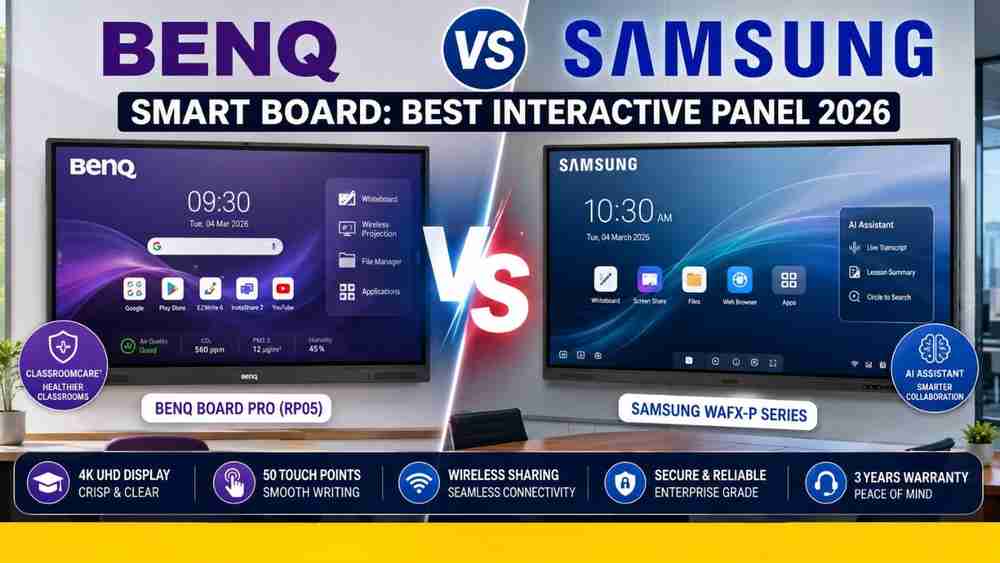
The rise of digital classrooms and hybrid learning has fundamentally transformed how educators and professionals share ideas. Consequently, upgrading to a modern interactive display is no longer just a luxury; it is a critical necessity for future-proofing your institution. When making this significant investment, buyers frequently find themselves choosing between two technology giants. If you are struggling to make a decision, this comprehensive BenQ vs Samsung Smart Board comparison will help you navigate your options in 2026.
Both BenQ and Samsung manufacture premium, high-performance interactive flat panels that are specifically designed to revolutionize teaching and teamwork. Whether you are configuring a smart board for schools or upgrading a corporate boardroom, understanding this interactive panel comparison is vital. Therefore, in this detailed guide, we will break down their unique features, display quality, software ecosystems, and overall value. Ultimately, this will help you confidently choose the digital classroom technology that perfectly aligns with your specific requirements.
BenQ Smart Board Overview
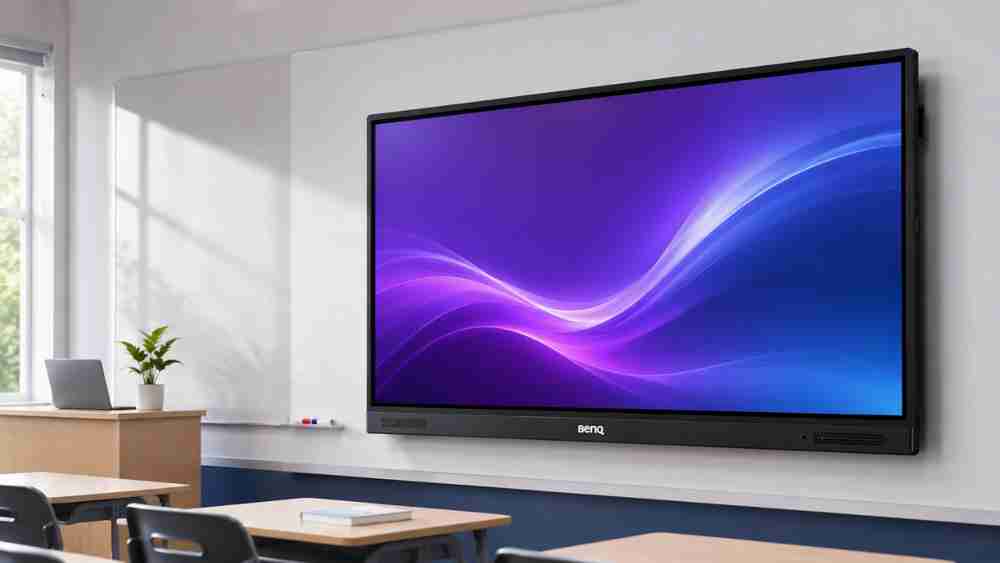
When it comes to dedicated education technology, BenQ has consistently remained a global trailblazer. The latest BenQ Smart Board models, particularly the 2026 BenQ Board Pro (RP05 series) and Master (RM04 series), are meticulously engineered to solve real-world classroom challenges.
As a fully Google EDLA-certified Android smart board, the BenQ ecosystem provides native, unrestricted access to the Google Play Store. Consequently, teachers can seamlessly download Google Workspace apps and essential educational tools directly to the panel.
A truly standout feature of BenQ is its proprietary ClassroomCare® technology. Interestingly, these interactive touch displays come equipped with germ-resistant screens, built-in air quality sensors (monitoring CO2, PM2.5, and humidity), and advanced eye-care technology. For schools prioritizing student health, this specific feature makes BenQ exceptionally attractive.
Furthermore, BenQ’s EZWrite 6 annotation software acts as a highly intuitive digital whiteboard. It empowers teachers to create interactive lessons, utilize dynamic cloud whiteboard features, and generate AI-assisted lesson plans. Moreover, educators can save sessions securely via an NFC tap-and-teach login system. With wireless screen sharing via InstaShare 2 and centralized IT management, BenQ delivers a remarkably holistic smart teaching environment.
Samsung Smart Board Overview
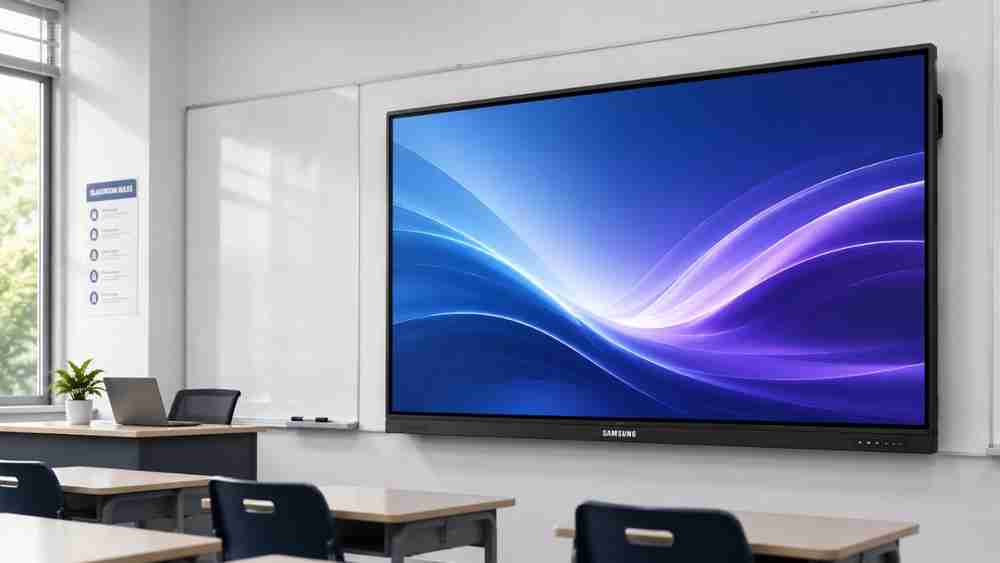
Samsung is undeniably a powerhouse in global display technology, and their interactive whiteboards perfectly reflect that legacy of visual excellence. The newest Samsung Smart Board lineup, featuring the highly advanced WAFX-P series launched in 2026, seamlessly bridges the gap between corporate collaboration and digital education.
Powered by the robust Android 15 operating system and an Octa-Core CPU, Samsung’s interactive panels prioritize lightning-fast speed and fluid multitasking. Furthermore, Samsung integrates cutting-edge features like the Samsung AI Assistant. This intelligent tool offers real-time lesson summaries, live transcripts, and intuitive Circle to Search functionalities.
Samsung’s 4K UHD displays are globally renowned for their vibrant color accuracy and crisp text. Most importantly, they offer an incredibly responsive, paper-like writing experience. This technology accurately captures subtle pressure variations, allowing up to 50 users to annotate simultaneously with near-zero latency.
Additionally, their robust wireless collaboration capabilities ensure that students or team members can effortlessly cast multiple devices at once. Thus, hybrid learning becomes highly engaging. While Samsung panels are incredibly popular as meeting room displays, their seamless integration with classroom technology makes them a formidable digital education asset.
BenQ vs Samsung Smart Board – Feature Comparison
To assist you in making a well-informed purchase decision, here is a detailed, side-by-side feature and specification comparison of their flagship 2026 models.
Feature | BenQ Board Pro (RP05 Series) | Samsung WAFX-P Series |
Display Quality | 4K UHD with Eye-Care & Anti-Glare | 4K UHD with High Brightness & Anti-Glare |
Brightness | 450 nits | 450 nits |
Android Version | Android 14 / 15 (EDLA Certified) | Android 15 |
Touch Technology | Ultra Precision IR Touch | Advanced IR with Paper-like Feel |
Multi-touch Points | Up to 50 Points | Up to 50 Points |
Speakers | 2 x 20W + 16W Subwoofer | Dual 20W Speakers |
Screen Sharing | InstaShare 2 (Wireless) | Samsung Wireless Casting |
Whiteboard Software | EZWrite 6 (with AI features) | Samsung Interactive Whiteboard App |
Connectivity | USB-C (100W PD), HDMI, LAN, Wi-Fi 6 | USB-C, HDMI, LAN, Wi-Fi, Bluetooth |
Security | NFC Login, BenQ AMS/DMS | Samsung Knox Security, DMS |
Warranty | Standard 3 Years (Extendable) | Standard 3 Years (Extendable) |
Best For | Schools, K-12, Health-conscious campuses | Corporate offices, Higher Ed, Design studios |
When analyzing this interactive panel comparison, the biggest differences become quite clear. BenQ heavily focuses on physical classroom health and hardware-level educator tools. Their inclusion of air quality monitors, germ-resistant glass, and individualized NFC logins makes them a dedicated teacher-first choice.
Conversely, Samsung leans heavily into high-end processing power, AI-driven software enhancements, and a premium aesthetic design. Therefore, Samsung’s writing experience feels slightly more natural, whereas BenQ provides a more comprehensive out-of-the-box educational software ecosystem.
BenQ Smart Board Pros & Cons
Pros:
- Health-Centric Design: Germ-resistant screens and air quality sensors protect students.
- Google EDLA Certified: Full, native access to the Google Play Store.
- Account Management: NFC tap-and-teach login saves time and secures data.
- Immersive Audio: Built-in subwoofer provides excellent sound for multimedia lessons.
- Advanced AI: Built-in AI lesson generation and Lasso Search via EZWrite 6.
Cons:
- Premium Price Point: The Pro series requires a significant budget allocation.
- Hardware Weight: Slightly heavier panels require robust mounting solutions.
Samsung Smart Board Pros & Cons
Pros:
- Stunning Visuals: Industry-leading display clarity and color accuracy.
- Exceptional Writing Feel: Ultra-low latency offers a true pen-on-paper sensation.
- AI Integration: Samsung AI Assistant brings live transcripts and summaries.
- Sleek Aesthetics: Slim profile looks highly professional in any environment.
- Massive Connectivity: Effortlessly connect up to 50 devices simultaneously.
Cons:
- Fewer Health Sensors: Lacks the built-in air quality monitoring found in BenQ.
- Ecosystem Learning Curve: May require adaptation for teachers used to basic whiteboards.
Which Smart Board Should You Choose?
Deciding which smart board schools should buy ultimately depends on your institution's specific goals, existing ecosystem, and budget. Here is our expert, use-case-based recommendation:
For Schools and K-12 Education
Undoubtedly, BenQ is the superior choice for primary and secondary schools. The innovative ClassroomCare® technology ensures a healthier environment for young learners. Moreover, the EZWrite annotation software is specifically tailored for K-12 curriculums. The ability for teachers to simply tap an NFC card to instantly load their personal workspace eliminates tech-related delays.
For Corporate Offices and Meeting Rooms
Conversely, Samsung holds a distinct advantage for corporate environments. Its sleek, modern design, coupled with the sophisticated Samsung AI Assistant, makes it the perfect meeting room display. Furthermore, its flawless integration with professional video conferencing setups and high-brightness panel are ideal for complex, data-heavy presentations.
For Colleges, Universities, and Coaching Institutes
Both interactive displays excel in higher education, but the decision hinges on your preferred workflow. If your campus relies entirely on Google Workspace, the EDLA-certified BenQ models provide a frictionless experience. However, if you require rapid, multi-device screen sharing for massive lecture halls, Samsung’s robust connectivity features are incredibly compelling.
Why Buy from Edumark Technologies?
Once you have determined the best smart board in India for your needs, selecting the right integration partner is equally crucial. Edumark Technologies is proudly recognized as one of India's leading Smart Classroom and Digital Learning Solution providers. We ensure your transition to interactive teaching is completely seamless.
We naturally assist our clients through comprehensive, end-to-end services, including:
- Product Consultation: Unbiased advice to help you choose the right interactive touch display.
- PAN India Delivery: Safe and timely logistics to any location across the country.
- Professional Installation: Expert mounting and technical setup by certified engineers.
- Teacher Training: Hands-on workshops to ensure educators maximize the smart teaching tools.
- Live Product Demo: Experience the technology firsthand before making a purchase.
- Smart Classroom Design: Tailored AV integration for optimal hybrid learning.
- Bulk Pricing: Competitive quotations and discounts for educational institutions.
- After-Sales Support & Annual Maintenance: Dedicated technical assistance to minimize downtime.
Frequently Asked Questions
1. Which is better, BenQ or Samsung Smart Board?
Neither is universally better; it depends on your needs. BenQ is generally preferred for K-12 education due to its health features and specialized teaching software. Meanwhile, Samsung is often favored by corporate offices and higher education for its sleek design, superior touch feel, and AI capabilities.
2. What is the average interactive display price in India?
The price varies significantly based on screen size (usually 65", 75", or 86") and the specific series. Generally, premium interactive flat panels range from ₹1,50,000 to ₹3,50,000. Contact Edumark Technologies for exact bulk pricing.
3. Do BenQ and Samsung smart boards support Android?
Yes, absolutely. Both brands utilize highly customized Android operating systems. In 2026, both BenQ and Samsung feature models running on Android 14 or 15, complete with Google EDLA certification for direct Play Store access.
4. Can I use a smart board for online teaching?
Yes. Both displays are perfect for online and hybrid learning. They seamlessly integrate with popular platforms like Zoom, Google Meet, and Microsoft Teams, allowing you to share your digital whiteboard with remote students.
5. Is the BenQ smart board safe for students' eyes?
Yes, BenQ is an industry leader in eye-care technology. Their interactive panels feature low blue light emission, flicker-free screens, and anti-glare coatings designed specifically to reduce eye strain during long teaching sessions.
6. Does Samsung Smart Board require a dedicated PC?
No, it does not. The Samsung WAFX-P and Flip series feature built-in Octa-Core processors and Android operating systems. Therefore, they function as standalone computers. However, you can easily connect an external PC via HDMI or USB-C if needed.
Conclusion
In conclusion, both the BenQ and Samsung Smart Board represent the absolute pinnacle of interactive display technology in 2026. If your priority is student health, comprehensive classroom management, and out-of-the-box educational software, the BenQ interactive flat panel is an exceptional investment. Alternatively, if you value a flawless, paper-like writing experience, sleek corporate aesthetics, and cutting-edge AI assistant features, Samsung is a brilliant choice.
Upgrading your campus or office is a major decision, but you do not have to make it alone. Contact Edumark Technologies today for expert product consultations, live demonstrations, and customized quotations to build the ultimate smart classroom solution for your institution.
BenQ Smart Board Review 2026 | Full Demo in Hindi
This detailed Hindi review of the 2026 BenQ 4K Smart Board provides a practical, first-hand look at its features and performance, which is highly relevant for Indian educators evaluating interactive displays.