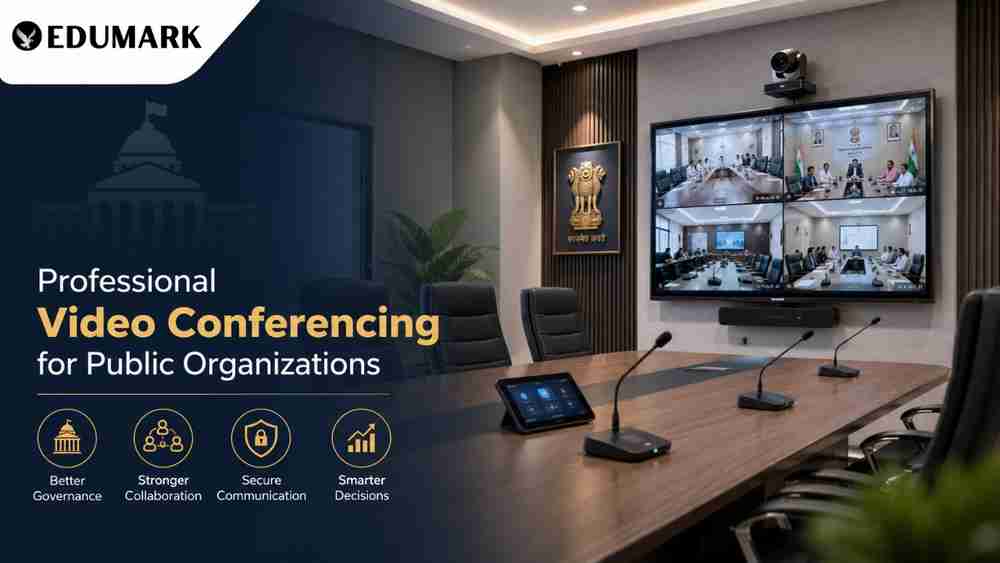
Digital governance and hybrid collaboration are becoming increasingly important for government departments, Public Sector Undertakings (PSUs), universities, municipal corporations, and public training institutions. From departmental reviews and official meetings to virtual inspections, training programs, and inter-office coordination, video conferencing has become an essential part of modern administration.
However, a professional meeting cannot always rely on a laptop webcam and built-in microphone. A dedicated professional video conferencing room setup provides better audio, video, connectivity, security, and overall meeting quality.
In this guide, we explain the key components required to design a reliable and future-ready video conferencing room for public organizations in 2026, along with the role of professional AV integration and technical support.
Why Do Public Organizations Need a Dedicated Video Conferencing Room?
Government offices and public institutions often need to communicate with teams located across different districts, states, and departments. A professionally designed conferencing room can reduce unnecessary travel while making communication faster and more effective.
Key benefits include:
- Clear communication between district, state, and central offices
- Reduced travel and accommodation costs
- Faster decision-making and departmental coordination
- Better communication during emergencies and field operations
- Support for virtual training, webinars, and workshops
- Easy presentation and document sharing
- Professional communication with consultants, vendors, and stakeholders
- Better meeting recording and documentation
A dedicated room also provides controlled lighting, acoustics, camera positioning, and network connectivity, creating a consistent experience for every meeting.
Step 1: Assess the Room Size and Seating Capacity
Before purchasing equipment, organizations should evaluate the room dimensions, seating arrangement, number of participants, viewing distance, and expected meeting requirements.
Room Type | Recommended Capacity |
|---|---|
Small Meeting Room | 4–6 people |
Medium Conference Room | 8–12 people |
Large Conference Room | 15–25 people |
Board Room | 25+ people |
For many government offices and administrative institutions, an 8–12 participant conference room provides a practical balance between infrastructure, usability, and cost.
Step 2: Choose the Right Display
The display is the central visual component of a conference room. A 4K professional display or interactive flat panel (IFP) can provide sharp visuals for presentations, documents, dashboards, video calls, and collaborative content.
Typical recommendations include:
- 65-inch: Small meeting rooms
- 75-inch: Medium conference rooms
- 86-inch or larger: Large rooms and boardrooms
Interactive flat panels can be particularly useful in universities, training centers, planning departments, and educational institutions because participants can annotate documents, write on the digital whiteboard, and interact with presentations.
Step 3: Install a Professional 4K PTZ Camera
A 4K PTZ camera for video conferencing provides significantly better coverage than a standard webcam. PTZ stands for Pan, Tilt, and Zoom, allowing the camera to move horizontally, vertically, and zoom into participants when required.
Important features to consider include:
- 4K Ultra HD resolution
- 12x or higher optical zoom
- AI auto-tracking or speaker tracking
- Preset camera positions
- USB, HDMI, and IP connectivity
- Wide-angle coverage
- Good low-light performance
The camera should generally be positioned close to the display and aligned with participants' eye level. Correct positioning creates a more natural experience for remote attendees.
Step 4: Build a Professional Conference Audio System
In a video meeting, poor audio can be more disruptive than average video quality. Participants should be able to hear and understand every speaker without echo, background noise, or microphone dropouts.
Depending on the room, the audio system can include:
- Tabletop conference microphones
- Ceiling microphone arrays
- DSP or digital signal processors
- Acoustic echo cancellation
- Noise reduction
- Ceiling or wall-mounted speakers
For a medium-sized room, multiple strategically positioned microphones can provide better coverage than relying on a single laptop microphone.
Step 5: Improve Conference Room Acoustics
Even high-quality microphones cannot completely compensate for a room with excessive echo and background noise.
Organizations should consider:
- Acoustic wall panels
- Acoustic ceiling materials
- Carpet or suitable acoustic flooring
- Curtains for large windows
- Reduced use of exposed glass and hard reflective surfaces
Proper acoustic treatment improves speech intelligibility and makes long meetings more comfortable for both local and remote participants.
Step 6: Plan Professional Lighting
Lighting directly affects video quality. Poor lighting can create dark faces, shadows, and overexposed backgrounds.
For a professional video conferencing room:
- Use soft LED panel or professional video lights
- Position lights in front of participants
- Avoid placing strong light sources directly behind them
- Maintain a suitable neutral-white color temperature
- Consider dimmable lighting for different meeting requirements
The objective is to create even facial illumination without harsh shadows or distracting reflections.
Step 7: Ensure Reliable Network Infrastructure
A professional conferencing system requires a stable network. Network interruptions can affect video quality, audio communication, screen sharing, and meeting continuity.
A typical setup can include:
- Dedicated high-speed internet connection
- Wired Gigabit Ethernet
- Business-grade router
- Managed network switch
- Proper firewall configuration
- UPS-backed networking equipment
- Secondary 4G/5G connectivity where appropriate
The exact bandwidth requirement depends on the conferencing platform, number of simultaneous participants, video resolution, and organizational network architecture. IT teams should validate these requirements before deployment rather than relying on a single generic bandwidth figure.
Step 8: Select the Appropriate Video Conferencing Platform
The conferencing platform should align with the organization's existing IT ecosystem and security requirements.
Common options include:
Platform | Suitable For |
Microsoft Teams | Organizations using Microsoft 365 |
Zoom | Meetings, webinars, and large virtual sessions |
Google Meet | Educational and administrative environments |
Cisco Webex | Enterprise and institutional communication |
Organizations should evaluate security, authentication, recording, screen sharing, participant management, administration, and integration requirements before selecting a platform.
Step 9: Add Essential Conference Room Accessories
Small accessories can make a significant difference to everyday usability.
A professional room may include:
- Wireless presentation system
- HDMI connectivity
- Touch control panel
- UPS power backup
- Cable management
- Meeting room scheduler
- Local or cloud recording capability
- Equipment rack
- Appropriate connectivity adapters
A well-organized cable management system is especially important in official meeting rooms because it keeps the installation clean, safe, and easier to maintain.
Recommended Video Conferencing Setup for a Medium-Sized Public Office
Component | Recommended Specification |
Display | 75-inch 4K professional display/interactive panel |
Camera | 4K PTZ camera with optical zoom |
Microphones | Multiple tabletop or ceiling microphones |
Audio | Echo-cancellation DSP with professional speakers |
Control | Touch or centralized room control |
Network | Wired Gigabit Ethernet |
Power Backup | UPS for critical equipment |
Connectivity | HDMI, USB and network integration |
This type of configuration can be adapted for government offices, district administration buildings, municipal corporations, universities, PSUs, and public training centers.
Common Mistakes to Avoid
Even good equipment can deliver poor results if the room is not planned correctly. Common mistakes include:
- Using consumer webcams for large rooms
- Ignoring acoustic treatment
- Placing microphones too far from participants
- Depending entirely on Wi-Fi
- Installing insufficient or poorly positioned lighting
- Selecting an undersized display
- Poor cable management
- Not testing the complete system before deployment
- Failing to train staff on room operation
A professional installation should always be tested using realistic meeting scenarios before the room is officially commissioned.
How Edumark Technologies Can Help
Planning a professional video conferencing room setup for public organizations requires more than purchasing individual products. Cameras, displays, microphones, speakers, lighting, networking, and control systems need to work together as one integrated solution.
Edumark Technologies provides professional AV and technology solutions for organizations looking to build modern meeting and collaboration spaces. Depending on project requirements, support can include:
- Room assessment and consultation
- 4K PTZ camera installation
- Interactive flat panel and display deployment
- Professional microphone and speaker integration
- Audio-video system configuration
- Network and connectivity planning
- Video conferencing platform integration
- Staff training and user onboarding
- Technical maintenance and support
- Assistance with government and institutional procurement requirements
A properly planned and commissioned system helps organizations achieve reliable communication without unnecessary technical complexity.
Conclusion
A professional video conferencing room is now an important digital infrastructure investment for public organizations. Government departments, PSUs, universities, municipal bodies, and training institutions can improve collaboration by combining the right 4K display, PTZ camera, professional audio, acoustic treatment, lighting, network infrastructure, and conferencing platform.
The most effective approach is to design the room around its actual requirements rather than simply purchasing individual devices. Professional planning, installation, testing, and staff training can ensure that the system remains reliable and easy to use.
For organizations planning a video conferencing room setup in 2026, Edumark Technologies can help create an integrated AV environment designed around the room, participants, technology requirements, and operational needs.